Illustrative engineering study
A controlled first-power sequence for an embedded board
An illustrative hardware bring-up study covering inspection, power checks, clocks, boot and peripheral isolation.
Hardware validation · 5 min read
Illustrative study: a hypothetical engineering scenario, not a completed client project. No client results or measured outcomes are claimed.
Treat first power as an experiment
A hypothetical embedded board has arrived from assembly. The team needs to determine whether it can be powered and brought to a useful diagnostic state. Connecting every peripheral and loading a full application immediately makes it difficult to localize a failure. A staged plan reduces the number of unknowns at each step.
This is a planning example for qualified engineers working within an approved lab procedure. Supply limits, probing methods and safe handling depend on the actual hardware. The study does not supply universal electrical limits or claim that a board has passed validation. Those values must come from the design and component documentation.
Establish the board identity
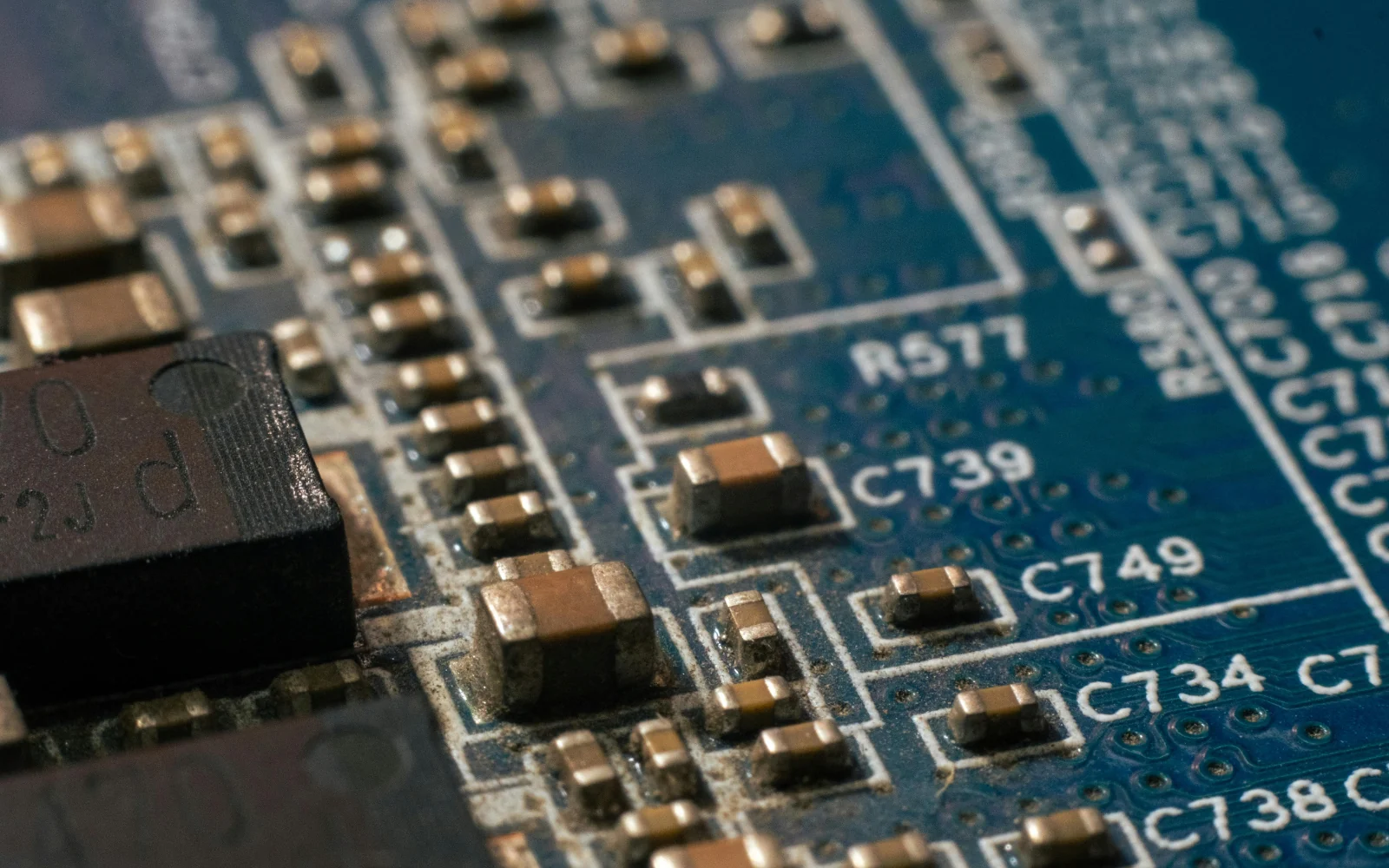
Record the board revision, assembly variant, bill of materials and any known rework. Compare populated options with the intended configuration. A software image built for a different oscillator or memory device can create symptoms that resemble a hardware fault. Keep photographs and inspection notes tied to the specific board identifier.
Before power, review the schematic’s power tree and the planned sequence. Check assembly orientation, visible damage and relevant continuity or resistance measurements using the approved procedure. Document anomalies rather than repairing them informally without a record. Rework can change the evidence and should remain traceable.
Bring up the power and timing foundations
Use the design’s approved supply settings and monitor current and rail behaviour. Verify sequencing and reset relationships at the points that matter to the processor and peripherals. An apparently correct static voltage does not establish that startup transients or sequencing satisfy the component requirements.
Check clocks and reset release before attributing a boot failure to firmware. Record the probe location, instrument setup and observed waveform. Probing can itself affect a circuit, especially at sensitive nodes, so the method needs review. A measurement without its conditions can be difficult for another engineer to interpret or reproduce.
Reach a minimal diagnostic milestone
Choose the smallest useful software milestone: a debug connection, a known boot-ROM response, a serial message or a simple memory test, depending on the platform. Preserve the exact image, build configuration and commands used. Avoid adding unrelated application features until the basic path is understood.
If the milestone fails, isolate power, reset, clock, boot selection, memory and debug access systematically. Compare expected and observed behaviour at each boundary. A symptom such as no serial output can have many causes; the diagnostic sequence should reduce those possibilities instead of repeatedly changing several variables at once.
Add peripherals one boundary at a time
Introduce interfaces in a planned order and record the first transaction expected on each. Check pin multiplexing, voltage domains, pull-ups, termination and driver configuration as applicable. Test a known-good transaction before moving to sustained traffic or application-level behaviour.
Then challenge the interface with the conditions required by the product: repeated initialization, disconnection, timeout, load and recovery. Distinguish a successful bring-up demonstration from full validation. Environmental qualification, electromagnetic compatibility and manufacturing test require their own scope and evidence; a working prototype is not a substitute for those activities.
An example lab-record structure
Use a separate record for each physical board, even when several boards share the same design revision. Record the assembly option, visible identifiers, rework and the software used for each experiment. A result from one board should not silently become the assumed state of every board in the batch. Differences between units can be valuable evidence when investigating a fault.
For each milestone, write the expected observation before performing the check. Include the measurement point, instrument configuration and approved limit from the hardware documentation. Then record the observation and whether it supports the next step. If the result is unexpected, preserve it before changing the setup. This reduces the temptation to keep adjusting several variables until the board appears to work without understanding why.
A useful final row describes the exact known-good configuration: supply setup, connected peripherals, boot settings, image identifier and the first diagnostic command. Ask another engineer to repeat that row. If they need undocumented help, improve the record. Bring-up knowledge is often lost in informal lab conversations; a short, repeatable record lets firmware, validation and manufacturing teams build on the same baseline. It also separates confirmed board behaviour from assumptions that still require testing.
Turn observations into a reusable package
The illustrative handoff includes the power-up sequence, board identification, known-good image, instrument notes and a decision tree for common failures. Each issue should distinguish confirmed root cause from a working hypothesis. Include any rework and the board variants on which a result was observed.
A receiving firmware or test team should be able to repeat the minimal diagnostic milestone before extending the system. That reproducibility is a practical outcome of disciplined bring-up. This example reports no actual board measurements and should not be interpreted as evidence of a completed customer programme.
THE WORKFLOW
From the first question to a usable handoff.
- 01
Identify and inspect
Match the board, assembly options and documentation. Record visible findings and approved pre-power checks.
- 02
Verify foundations
Check power sequence, reset and clocks under the hardware-specific lab procedure.
- 03
Establish minimal operation
Run a known diagnostic image and isolate failures at explicit hardware/software boundaries.
- 04
Expand and document
Add peripherals sequentially, test recovery and package the known-good setup with unresolved issues.
What to bring. What to review.
Starting inputs
- Schematics, layout and assembly variant
- Processor and peripheral documentation
- Approved lab procedure and diagnostic image
Proposed review package
- Board-specific bring-up record
- Known-good software and instrument setup
- Issue list, rework history and repeatable checks
Questions before you begin.
Does bring-up mean a board is production-ready?
No. Bring-up establishes selected functional milestones. Product validation, qualification, compliance and manufacturing readiness require additional evidence.
Why keep a minimal diagnostic image?
It reduces dependencies and gives later engineers a stable starting point when debugging hardware or application changes.
Can the same sequence be reused for every board?
The structure is reusable, but electrical limits, boot behaviour and measurement methods must be adapted to the actual design and approved procedure.
APPLY THE THINKING
Bring your actual design question.
Share your current inputs, interfaces and the decision you need to make. We can use them to define a focused engineering scope and its review evidence.